For a home collection of supported 35mm negatives and mounted slides, the Plustek OpticFilm 8200i SE and Kodak Slide N Scan represent two different kinds of work. Choose the Plustek when you want a computer-based scanning process with more deliberate file and correction decisions; consider the Kodak when a standalone preview-and-save workflow is the main attraction.
Neither is a universal answer for medium-format film, home-movie reels, damaged originals, or professional preservation work. Identify the material and its condition before deciding whether either shortlisted package fits.
This comparison uses the exact checked product listings and documented features, with practical selection reasoning. It does not report hands-on testing, measured scan quality, or a ranked performance score.
Choose the workflow before comparing resolution labels

A box of thirty favorite slides and an archive of several thousand frames create different time commitments. Count a representative batch and decide how much manual positioning, correction, naming, and checking you are willing to do.
Think about the finished files as well as the capture step. If you want a neutral master and separately edited copies, make sure the software and save options support the decisions you intend to keep.
Do not compare an advertised megapixel figure directly with an optical scanner sampling figure as though they measure the same thing. The original film, optics, capture method, processing, and output settings all influence useful detail.
A sample from your own material is the strongest practical comparison. Include a sharp frame, a difficult dark frame, and a picture whose colors or small writing matter to your family.
Review: Plustek OpticFilm 8200i SE
 Check Price on Amazon
The checked package is Amazon ASIN B008ASJ2Z8, identified as the OpticFilm 8200i SE with SilverFast SE Plus 9. Keep that SE package distinct from the Ai bundle and other similarly named OpticFilm models.
The listing specifies 35mm negative film and mounted slides, a 7200-dpi figure, and an infrared channel for defect detection. Treat those as product claims and supported workflow features, not measured evidence that every frame will yield a particular amount of resolved detail.
A computer-based workflow suits you when you want to make considered decisions about each scan and retain organized files directly in your working environment. It also means checking the current driver, software license, and exact operating-system support before buying.
Do not infer support for a newly updated computer from an old compatibility phrase in a listing. Confirm the vendor's current requirements and the software version included in the package you will receive.
The infrared feature deserves a material-specific check rather than a blanket promise that dust and scratches will disappear. Verify the software's guidance for your film type and compare the result with correction disabled on a trial frame.
Choose this route when the extra computer involvement fits the way you want to finish the archive. If you expect a fully automatic unattended pile-to-folder process, examine the holder handling and frame advancement carefully before assuming this package provides it.
Review: Kodak Slide N Scan, 5-inch screen package
 Check Price on Amazon
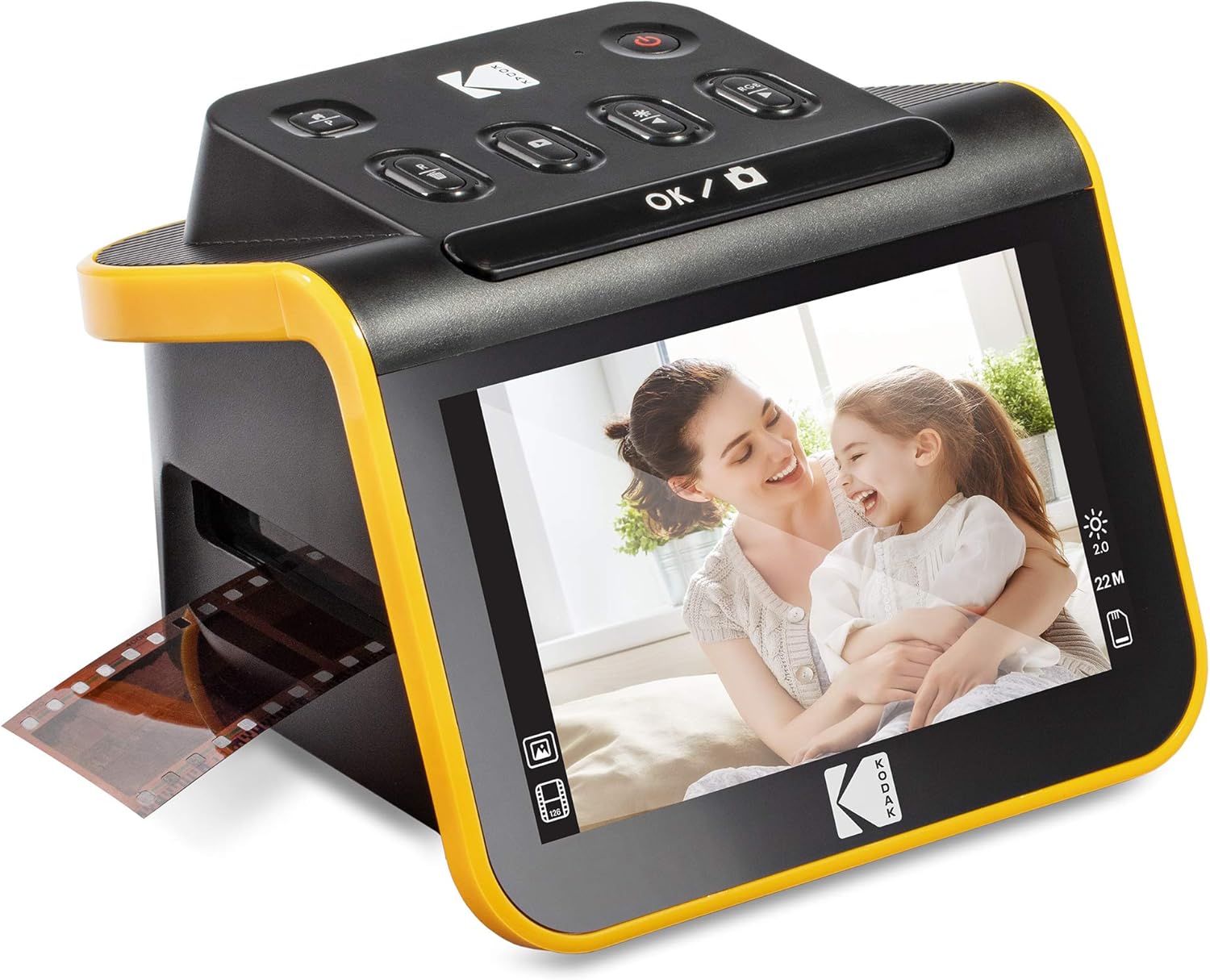
The checked Kodak listing is ASIN B084NVRHYQ, with the five-inch display and the selected film-and-slide package. It is a different proposition from Kodak-branded flatbeds, larger-screen variants, or motion-picture transfer products.
The listing describes viewing, basic adjustments, and saving digital copies to a supported SD or SDHC card. It also lists film adapters and a slide holder, which should be matched against the material you actually identified.
This standalone approach can suit a household that wants to review a small set without building the first stage around scanning software. You still need a plan to transfer, name, inspect, and separately store the resulting files afterward.
Check the supported card type and capacity in the exact instructions before adding a spare card to the order. A card used successfully in your action camera may not meet a small standalone device's different compatibility limits.
The advertised 22MP label should not become a claim that the device resolves the same detail as a particular optical scanner setting. Confirm how its native capture and output options are described, then judge a representative saved image at your intended viewing size.
Choose the Kodak for the convenience of the documented standalone process when its output fits your purpose. If you need extensive control over masters or a demanding enlargement, compare actual sample files before committing the collection.
Check holders and original condition before either purchase

Read the supported film and slide dimensions literally. A standard-width strip, a panoramic frame, a thick slide mount, and an unusual original can require different handling even when people describe all of them as 35mm.
Do not cut or force material to make a holder accept it. If a film strip is brittle, sticky, badly curled, torn, or stuck to a sleeve, obtain appropriate preservation advice before using a consumer transport.
Keep the envelope and sequence information with each group. A scan of an isolated frame is less informative when you can no longer tell which family roll, sleeve, or slide box it came from.
If most of the collection is a different format, neither shortlist member may be the sensible starting purchase. A specialist service or a format-appropriate system can be more practical than building around the wrong holders.
Make a three-frame acceptance exercise
Select three clearly identified originals that are safe to handle. Write what you need from them, such as readable faces for sharing, a modest reprint, or a neutral record for future editing.
Inspect the whole saved frame for cropping, alignment, focus, dust, and color interpretation. Compare at a common displayed size, then look closer at the parts that matter for your intended output.
Check whether automatic corrections produce a pleasing interpretation or remove information you wanted to retain. Keep an unchanged or minimally processed version when your workflow supports it, with edited copies labeled separately.
Measure the complete handling time for those three frames. Include file transfer, naming, correction, and checking instead of judging efficiency only from the interval between pressing a button and seeing a preview.
Include computer and storage costs in the decision
For the Plustek route, include a supported computer connection and any software arrangement you will actually use. For the Kodak route, include compatible removable storage and the later transfer process.
Estimate disk space from actual sample files and the number of copies you intend to keep. A more detailed or less compressed master can require substantially more storage than a convenient JPEG for a family message.
Keep the physical originals after digitizing and retain a connection between files and source items. A digital project improves access but introduces its own needs for organization and recovery.
Do not let a small accessory price difference decide the whole workflow. Your handling time, software comfort, and ability to finish a coherent batch may be more consequential than the first package total.
Know when a service is the better choice
Consider a specialist when the material is fragile, unusual, especially valuable, or too extensive for the time you can realistically provide. Ask about full-frame capture, output files, sound where relevant, and return of the originals.
Request a representative sample rather than judging only a promotional example. Explain whether you want neutral files, cosmetic restoration, convenient viewing copies, or more than one version.
Keep a reel of home movies out of this still-film comparison. Motion-picture gauge, transport, speed, and possible sound introduce requirements that neither product's name alone can answer.
If you have only a few important frames, a service can also help establish the output you need before you buy equipment for a larger collection. Treat that as a useful planning option rather than a failure to do the project yourself.
Make the final choice by the work you will finish
Choose the OpticFilm 8200i SE when the verified computer-based process and its supported film handling fit your collection and your appetite for detailed decisions. Choose the five-inch Slide N Scan package when its standalone preview-and-save process is the useful advantage.
Choose neither until you resolve format, condition, current software compatibility, and the desired file outcome. Those checks prevent a confident-looking shopping list from becoming an unfinished box of equipment beside the originals.
Keep your sample results and chosen settings with the archive notes. Then complete a small batch through capture, identification, checking, and separate storage before expanding to the rest of the collection.
Sources & method
Primary-source pages checked October 22, 2026. Scenarios, comparisons and illustrations are editorial reasoning; no hands-on testing is claimed.
- Plustek OpticFilm 8200i SE
- Kodak Photo Plus: 5-inch Slide N Scan
- Plustek OpticFilm 8200i SE , 35mm Film & Slide Scanner. 7200 dpi / 48-bit Output. Integrated Infrared Dust/Scratch Removal. Bundle Silverfast SE Plus 9 , Support Mac and PC.
- KODAK Slide N Scan Film & Slide Scanner, 22MP, 5" LCD Screen, 135/110/126mm